[toc]
Most of you know that I regularly upload YouTube videos for both Tech Patrol and Manoy’s channels.
 You know the drill! Haha.
I edit my videos mostly on 720p and some in 1080p. That’s because of the limitation of my editing machine, a 2013 Macbook Pro. Can’t go more than 1080p or else it will take forever to render a video.
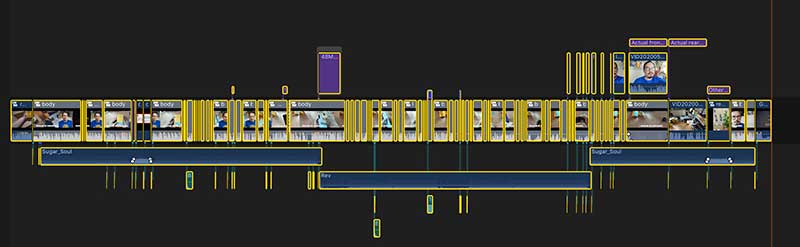 Final Cut Pro timeline.
Since I started video editing, my main concern was always the storage device.
Firstly, I needed huge storage for my footages. My Macbook Pro is easily filled up because it has only 256GB. So I started buying external hard drives.
While it solved the storage for my footages, the editing process remains slow and the 256G internal storage is filled up so fast because of the huge render files.
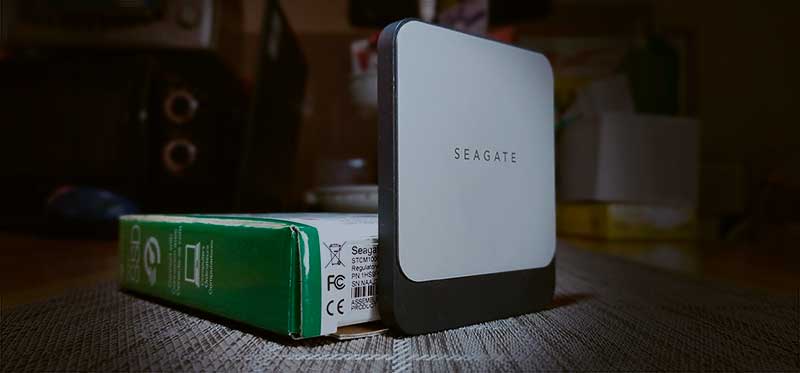
The solution: Seagate Fast SSD 1TB
I reached out to Seagate to consult what kind of SSD drive they have to help me in my situation.
And then I found a 1TB version.
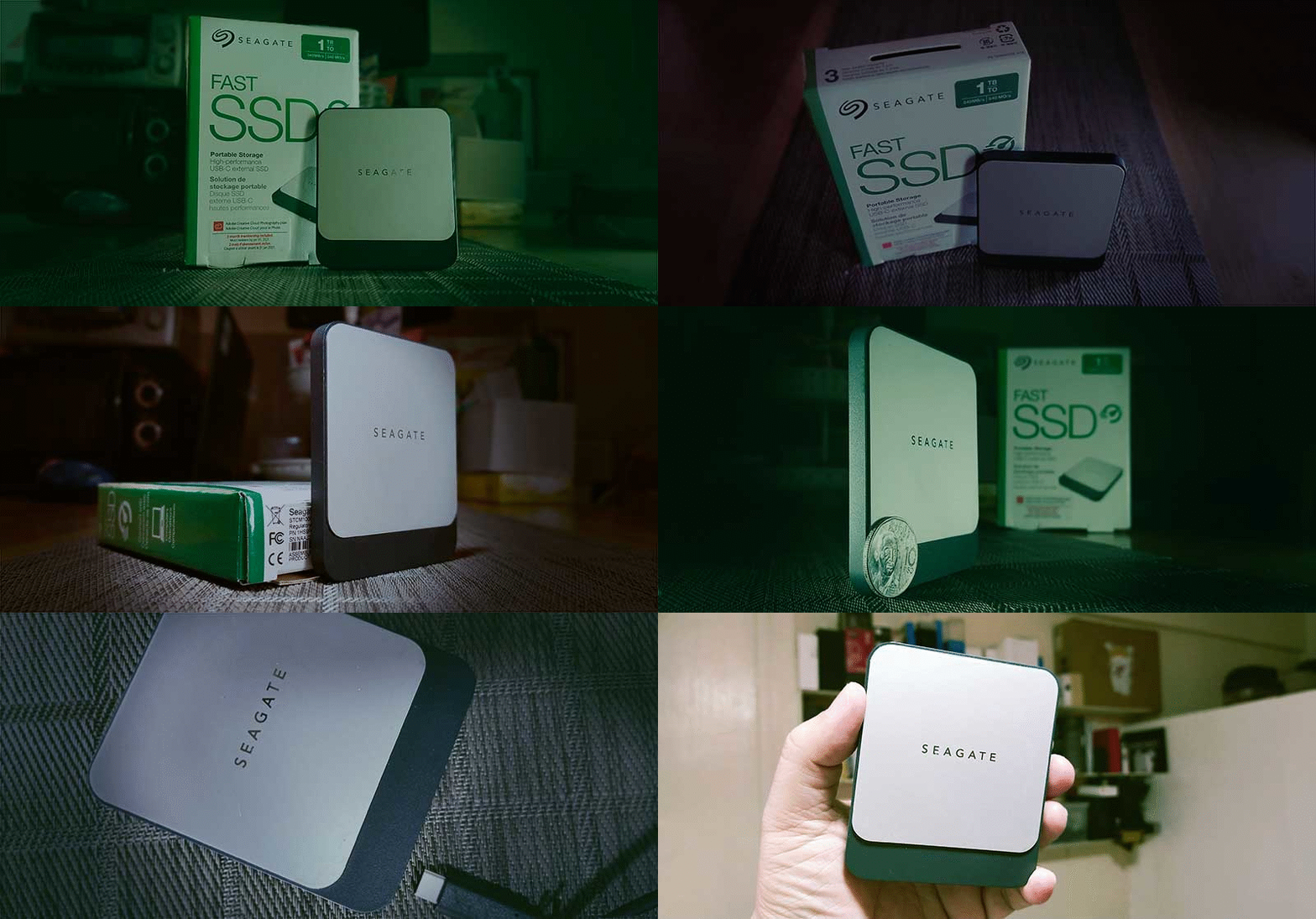
It is a very slim and portable SSD solution that you can bring anywhere. You can put it in your pocket, or in any man purse available and carry it anywhere you go. It will be a whole new world for you, trust me.
My editing setup
With my Macbook Pro having 256GB internal storage, I needed two (2) external storage to make my editing process simple and fast. One is a 4TB HDD, the second one is the Fast SSD by Seagate.
All my fresh footage goes to my 256GB at first.

The Seagate Fast SSD 1TB becomes my “rendering” drive. That means all of the temporary files go there while I am editing my videos.
Editing videos create massive temporary files that’s why the 256G internal storage is choking real fast.

So the Seagate Fast SSD 1TB is a heaven-sent solution. And because it is a solid-state drive, I never worry about minor bumps or even if it accidentally falls on the floor. No moving parts therefore my external drive is always safe.
For you to appreciate the speed of both drives, here’s a comparison report by Paul Rubens in his article on Storage Enterprise entitled SSD vs. HDD Speed.

After I finished with my edit, I now transfer the footages on to my 4TB HDD.
Once the Fast SSD becomes 80% full, I transfer old render files to the 4TB HDD for safekeeping, creating a new space for the SSD.
Seagate Fast SSD Pros & Cons
PROS | CONS | ||
| 1 | Super portable | 1 | Price |
| 2 | Highly efficient | ||
| 3 | High performance | ||
| 4 | Very light (82 grams) | ||
| 5 | USB Type-C | ||
| 6 | Fast file transfer | ||
| 7 | Very reliable | ||
| 8 | No overheating issue | ||
| 9 | Mac & Windows compatible | ||
| 10 | Sleek |
Verdict
During the pre-Fast SSD times, my patience gets tested most of the time. I would wait for countless hours for a 10-minute video render. I had no choice.
But that was before.
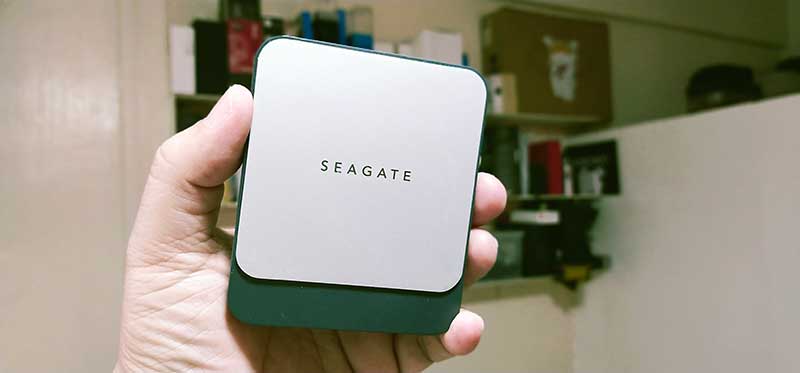
The story changed dramatically when the 1TB Seagate Fast SSD came to the picture.
And regardless of the cost, this SSD enabled me even more in my content creation. Work became effective and fast. No more tantrums.
I highly recommend this external drive. Your video editing journey will be a whole new world when you use this super fast and efficient SSD.
Giveaway
Seagate Philippines was kind enough to send me a spare Fast SSD for a giveaway. One of you will be the lucky one at the end of this campaign.
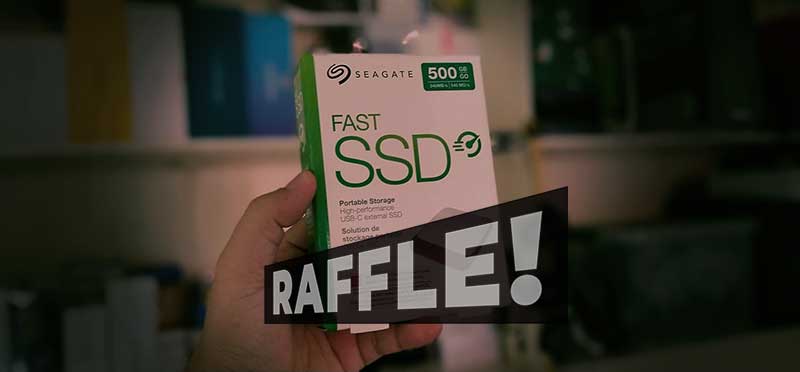
We will be giving away a Seagate Fast SSD 500GB!
You can also check out Seagate’s official store in Shopee here.
How to join
- Share this article with your friends on Facebook.
- Share this article with your Facebook Groups.
- Like Seagate Facebook page
- Lastly, leave a comment below (NOT ON FACEBOOK… below. Here.) and tell us why do want to win the 500GB Seagate Fast SSD
Who can join
- Facebook fans and supporters of Tech Patrol and Seagate Philippines.
- A resident of the Philippines
IMPORTANT: WE NEED YOUR REAL FACEBOOK NAME.
We will announce the raffle winner by June 15, 2020, on our Facebook page.