“Is my phone still getting updates?” — it’s a question most Filipinos never think to ask, until an app suddenly stops working or a friend warns them about phone security. The truth is, your phone stops receiving software updates quietly, with zero warning — and based on how long Filipinos typically hold on to their devices, there’s a real chance yours has already crossed that line.
No notification. No warning popup. No countdown timer. One day your phone simply stops receiving the patches that protect you from the latest malware, phishing attacks, and data exploits — and it keeps looking and working exactly the same as it did the day before.
That’s the problem. And based on what we know about smartphone usage patterns in the Philippines, there’s a good chance it’s already happened to yours.
The Silent Risk Most Filipinos Are Ignoring
Research on smartphone ownership trends in the Philippines reveals that seniors over 70 hold the highest share of smartphones aged six years or older at 24% — and younger users show a similar pattern, with 23% carrying a device aged six years or older. That’s nearly one in four young Filipinos walking around with a phone that may have already passed its software support window.
Cybersecurity concerns are rising rapidly — phishing scams, malware attacks, and data breaches increasingly target smartphone users, and many Filipinos need better education on online safety to protect their personal information and financial transactions.
Those two facts together paint a picture that nobody’s really talking about: millions of Filipino smartphone users are running devices that manufacturers have stopped protecting — at exactly the same time that cybercriminals are ramping up attacks on Philippine mobile users.
The worst part? Android accounts for nearly 89% of smartphones used in the Philippines — and Android’s update landscape is dramatically more fragmented than iOS. Unlike Apple, which pushes updates directly to every supported device, Android updates pass through device manufacturers first, then through mobile carriers, creating delays and inconsistencies that mean some Android phones effectively stop receiving updates far earlier than their official end-of-life dates.
What “End of Life” Actually Means for Your Phone
When a phone reaches end of life (EOL), it doesn’t turn off. It doesn’t slow down overnight. It just quietly stops receiving the monthly security patches that fix newly discovered vulnerabilities in the operating system.
Here’s why that matters more than most people realize: security researchers and hackers discover new vulnerabilities constantly. For supported phones, manufacturers release patches that close those holes — usually within weeks of discovery. For unsupported phones, those same vulnerabilities get publicly documented (so security researchers can track them) but never fixed. Your phone’s known exploitable weaknesses become, in effect, a permanent, growing list that anyone can look up.
Then there’s the app problem. Banking apps, government apps, and messaging platforms regularly raise their minimum OS requirements for security compliance. If your phone is frozen on an old OS version because manufacturer updates have stopped, those apps start dropping support for your device — often without warning, often at the worst possible time.
It’s happened to GCash users. It’s happened to banking app users. It will keep happening as long as Filipinos hold on to phones past their support windows without realizing it.
The 10-Second Check You Should Do Right Now
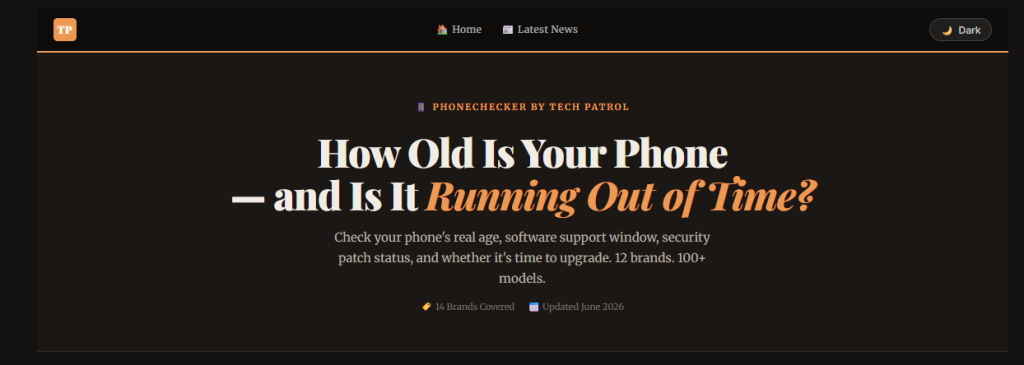
We built PhoneChecker specifically because this information shouldn’t require a Google search, a trip to a brand’s support page, or knowing what “Android security patch level” even means.
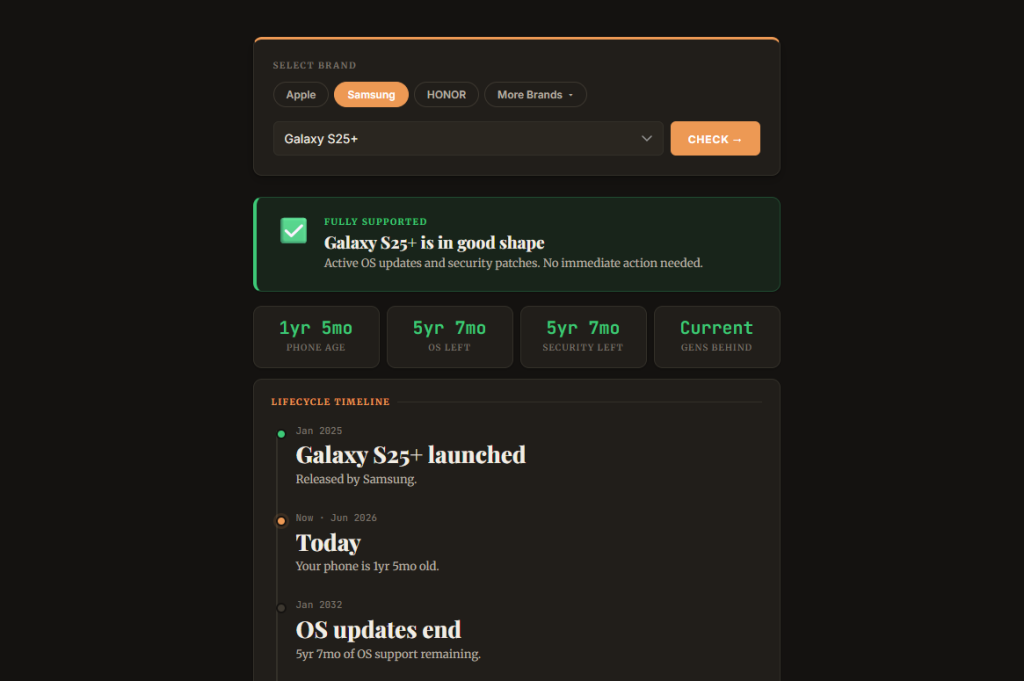
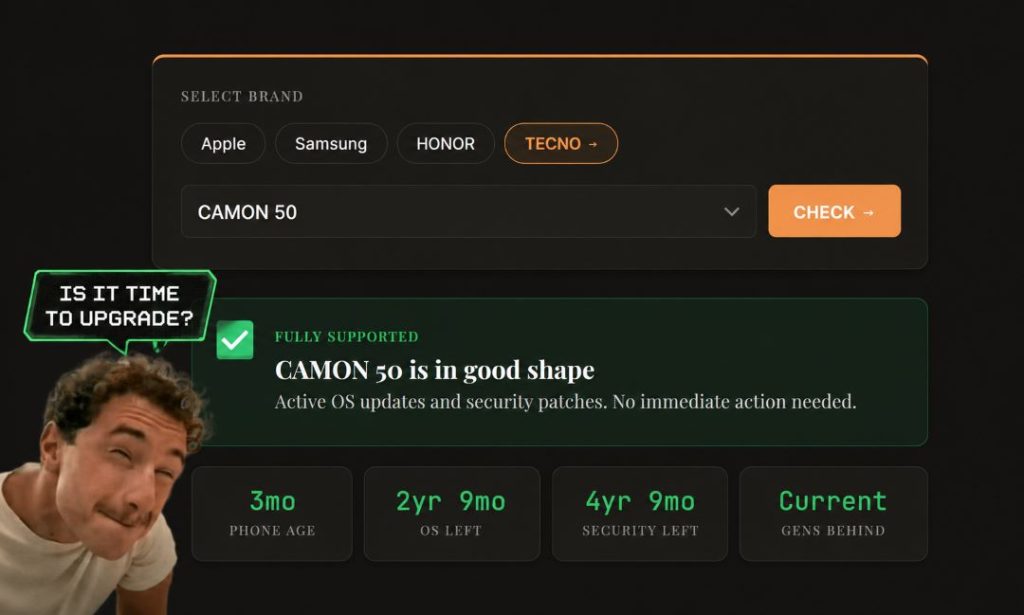
Select your brand. Select your model. Hit Check.
In about 10 seconds, you’ll see:
- Your phone’s exact age — not how long you’ve had it, but how old it actually is since launch
- OS update status — whether you’re still getting major software updates and for how long
- Security patch status — whether your phone is still receiving monthly security fixes, and when that ends
- Generations behind — how many phone generations separate your current device from the latest model
- Plain-language recommendation — whether to keep using it as-is, start planning an upgrade, or take action now
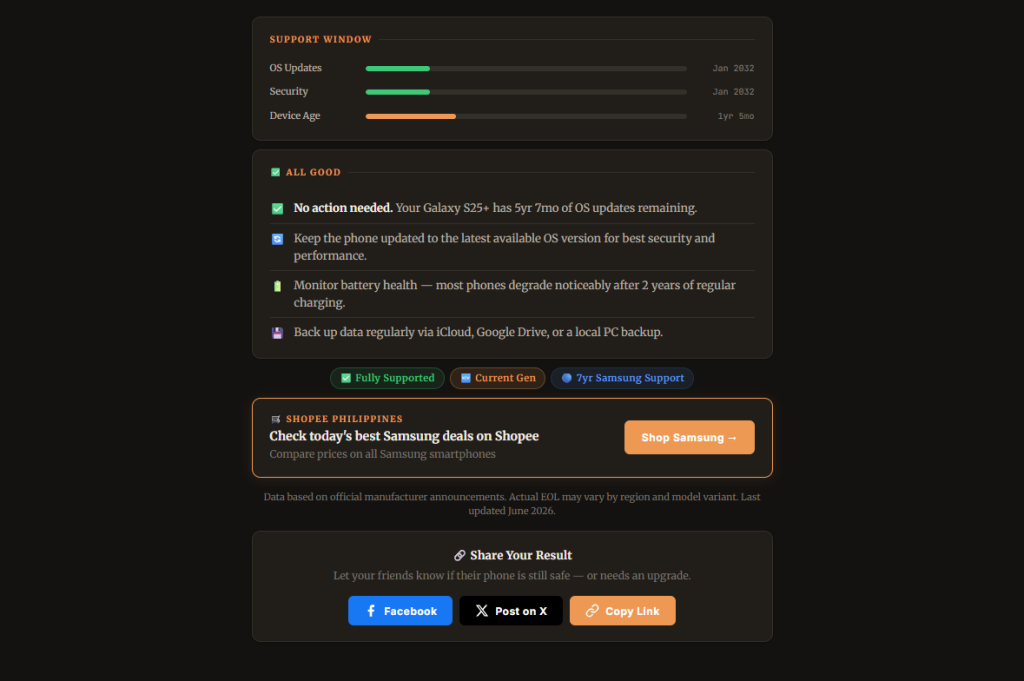
No signup. No app to download. No form to fill out. Just your answer, in plain language, in seconds.
→ Check Your Phone’s Status Now — Free
“But My Phone Still Works Fine”
This is the most common response — and it’s completely understandable, because a phone past its support window looks and feels identical to one that’s current.
“Still works fine” is true in the same way that a car with worn-out brakes still drives fine — right up until it doesn’t. The phone makes calls, runs apps, connects to the internet. What it doesn’t do, invisibly, is receive the patches that close the security gaps that accumulate every month after EOL.
Industry experts recommend phones with at least 3 years of updates for midrange devices and at least 4 years for flagship phones — to ensure you get the latest features and security updates especially if you intend to keep the phone for years. If your phone is already past those windows, “still works fine” is a description of its hardware — not its security posture.
How Long Should You Expect Your Phone to Be Supported?
It varies significantly by brand, and this is something most buyers don’t check before purchasing. Here’s the general landscape for brands popular in the Philippines:
Apple has the longest track record in the industry — iPhones typically receive 6 to 7 years of major iOS updates, with security patches sometimes extending even beyond that for critical vulnerabilities.
Samsung announced a 7-year update commitment for its flagship Galaxy S and Galaxy Z series starting with the S24 generation — a significant improvement over its older 3-4 year standard. Budget A-series and entry-level models still typically receive less.
Google Pixel phones also carry a 7-year update promise from Android 14 onwards, making them among the best-supported Android devices available.
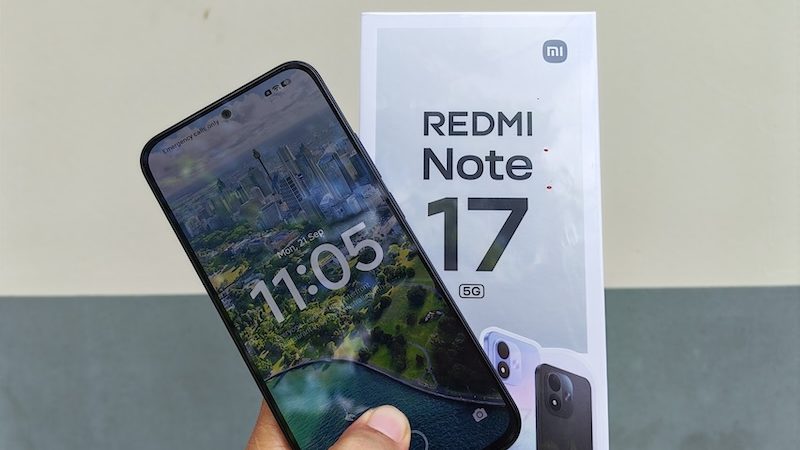
realme, OPPO, vivo, Xiaomi, POCO — midrange and budget devices from these brands typically come with 2 to 3 years of OS updates and 3 to 4 years of security patches, though this varies by model tier.
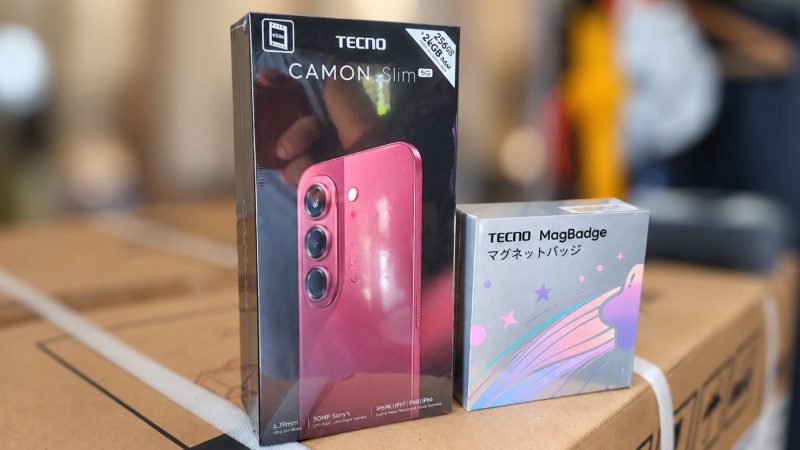
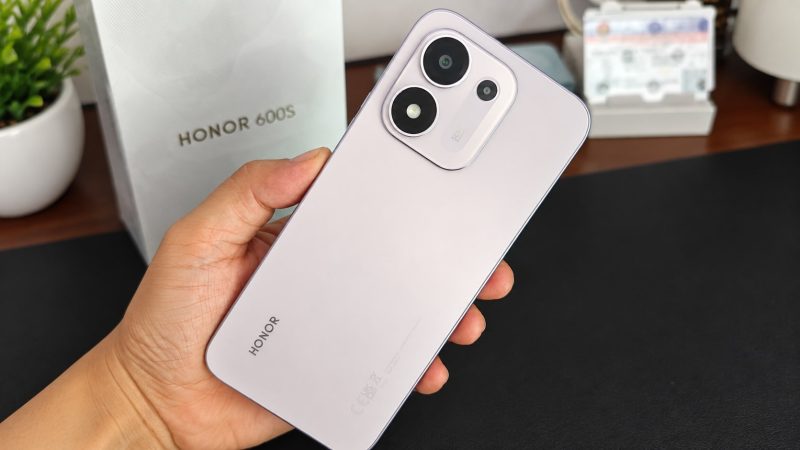
HONOR, TECNO, Infinix — newer or budget-tier models tend to offer 2 to 3 years of updates, with flagship lines receiving longer support.
The key takeaway: two phones with similar specs and similar prices can have dramatically different software support windows depending on brand and tier. Checking PhoneChecker before you buy a secondhand or refurbished unit can save you from purchasing a phone that’s already most of the way through its useful life.
The Right Time to Check Is Before Something Goes Wrong
Most people only think about phone support status after something breaks — an app stops working, a bank flags unusual activity, or a tech-savvy friend mentions it. By then you’re already reacting to a problem instead of preventing one.
The right time to check is now. If your phone is fully supported with years to go, great — you’ll know, and you can check again in 6-12 months. If it’s approaching end of life, you have a planning window: you can start comparing upgrade options without the pressure of an emergency. And if it’s already past EOL, you’ll at least know exactly what you’re dealing with and can decide how to manage the risk.
That’s all PhoneChecker does — it gives you the information you should have, in the time it takes to make a cup of coffee.
→ Check Your Phone’s Update Status for Free
PhoneChecker covers 14 brands and 180+ models including Apple, Samsung, HONOR, TECNO, Xiaomi, POCO, OPPO, realme, vivo, Infinix, Google, Motorola, Nothing, and OnePlus. No sign-up required.
Frequently Asked Questions
How do I know if my phone is still getting updates? The fastest way is to use PhoneChecker — select your brand and model and you’ll get the answer in seconds. Alternatively, on Android go to Settings → About Phone → Android Security Patch Level and check how recent the date is. If it’s more than 6 months old, your phone may have stopped receiving patches.
Is it dangerous to use a phone with no security updates? It increases your risk, particularly for activities like mobile banking, online shopping, and accessing work email. Known vulnerabilities accumulate without being patched, and apps may eventually stop working as they raise their minimum OS requirements.
What should I do if my phone is already end of life? First, check its status on PhoneChecker to confirm. If it’s EOL, consider moving sensitive activities (banking, work accounts, two-factor authentication) to a more current device if possible, and start planning an upgrade — your phone’s trade-in value also drops the longer you wait.
What’s the longest-supported smartphone I can buy in the Philippines today? As of 2026, Apple iPhone (6-7 years), Samsung Galaxy S-series (7 years from S24 onwards), and Google Pixel (7 years from Pixel 8 onwards) offer the longest software support commitments among brands available in the Philippine market.
Does PhoneChecker work for all Android brands? It currently covers 14 brands — Apple, Samsung, HONOR, TECNO, Xiaomi, POCO, OPPO, realme, vivo, Infinix, Google, Motorola, Nothing, and OnePlus — with more than 180 models. The database is updated regularly as new devices launch and support windows are announced.